

Updated 16 Nov 2026: rewritten. The original listed syntax; this version adds zero values, the rules the compiler enforces, and the printing verbs you’ll use most.
A variable is a named place to keep a value. This post covers how to declare one in Go, what value it has before you set it, how to print variables, and how to write comments. The examples are complete programs you can paste into a main.go and run with go run .. If you haven’t set up a project yet, the previous post shows how.
Declaring variables #
Go has several ways to declare a variable. They differ in how much you spell out.
package main

import "fmt"

func main() {
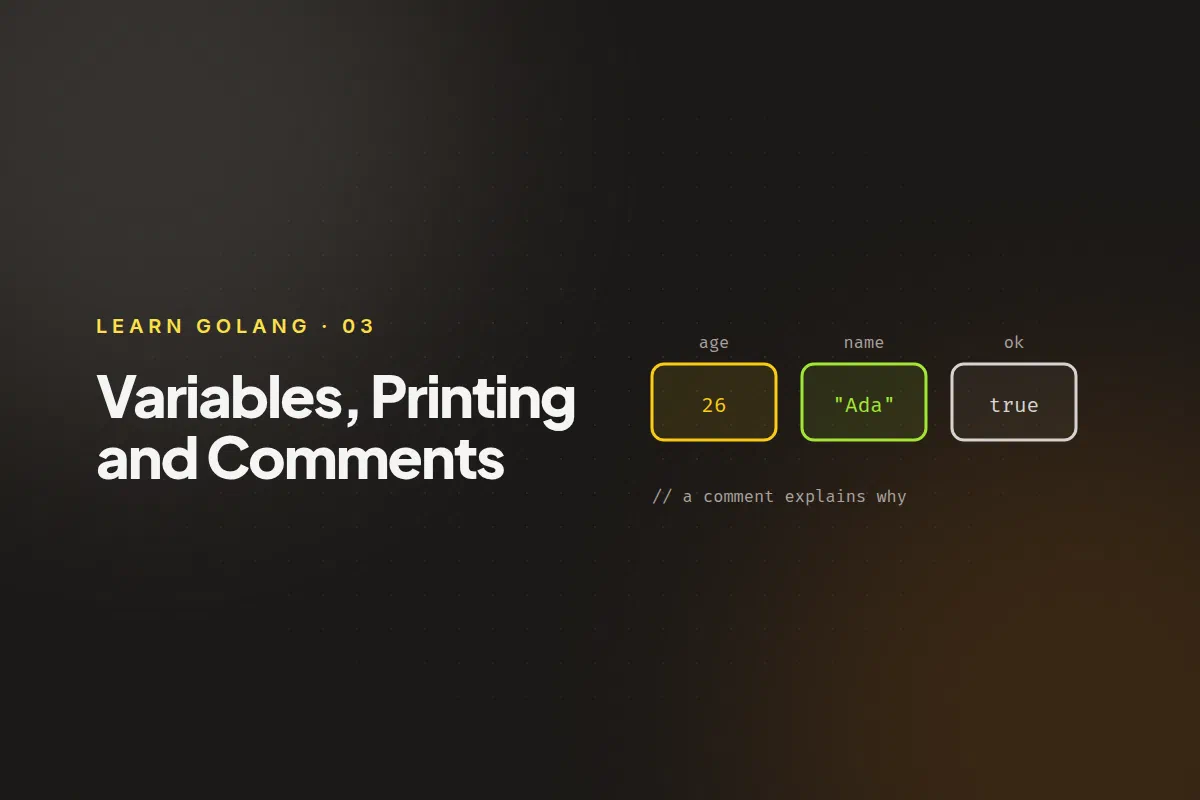
	var age int = 26     // name, type and value
	var city = "Pune"    // type inferred from the value
	var count int        // type only: gets its zero value
	name := "John Doe"   // short declaration: declare and set in one step

	fmt.Println(age, city, count, name)
}
26 Pune 0 John Doevar name type = valueis the full form. You’ll use it when you want to be explicit about the type.var name = valuelets the compiler infer the type from the value.var name typedeclares a variable without setting it.name := valueis the short form and the one you’ll write most. It only works inside a function, and it always declares a new variable.
You can declare several at once with a var block, which is common at the top of a file:
var (
	appName = "demo"
	version = 2
)
Zero values #
A variable you declare without a value isn’t undefined. It gets the zero value for its type:
| Type | Zero value |
|---|---|
Numbers (int, float64, …) |
0 |
string |
"" (empty string) |
bool |
false |
| Pointers, slices, maps | nil |
So var count int really is 0, and you can add to it straight away.
Rules the compiler enforces #
- Unused variables are an error. If you declare a variable inside a function and never use it, the program won’t compile (
declared and not used). Use it, or delete it. - A variable keeps its type. After
age := 26, writingage = "twenty-six"is a compile error. :=needs at least one new variable on the left side. Use plain=to change an existing variable.
Constants #
A value that never changes is a constant, declared with const:
const Pi = 3.14159
const MaxRetries int = 3
Trying to assign to a constant is a compile error. Constants are covered further in the scope and constants post.
Printing #
The fmt package has three printing functions you’ll use constantly.
fmt.Println prints its arguments separated by spaces, then a newline:
name := "Harry Potter"
house := "Gryffindor"
fmt.Println(name, house)
Harry Potter Gryffindorfmt.Printf prints a formatted string. Each verb (a % followed by a letter) is replaced by the next argument. It doesn’t add a newline, so end the string with \n:
name := "John Doe"
age := 26
fmt.Printf("%s is %d years old\n", name, age)
John Doe is 26 years oldfmt.Sprintf formats the same way but returns the string instead of printing it. It’s what you use to build a message and pass it somewhere else:
message := fmt.Sprintf("My age is %d", age)
fmt.Println(message)
The verbs you’ll reach for most:
| Verb | Prints |
|---|---|
%v |
the value in a default format (works for anything) |
%+v |
a struct with its field names |
%s |
a string |
%d |
an integer |
%f |
a floating-point number (%.2f for two decimals) |
%t |
a bool |
%T |
the type of the value |
%q |
a string in double quotes, with special characters escaped |
%T is handy while learning: fmt.Printf("%T\n", name) prints string.
Comments #
Go has two kinds of comments:
// A single-line comment runs to the end of the line.

/*
A block comment can
span several lines.
*/
A comment placed directly above a function, type or package is also its documentation. Tools like go doc and pkg.go.dev show it, and the convention is to start with the name of the thing being described:
// Add returns the sum of a and b.
func Add(a, b int) int {
	return a + b
}
The examples for this post are in the get-started-with-Go repository. Next: data types in Go.