

Updated 16 Nov 2026: rewritten. The original described Go’s structure in abstract terms; this version builds a working program step by step and fixes the run and build commands.
A Go program is made of packages, and a package is a folder of .go files. This post covers the three parts every Go file has, the difference between a package and a module, and how to run and build your first program. It assumes you’ve installed Go.
The smallest program #
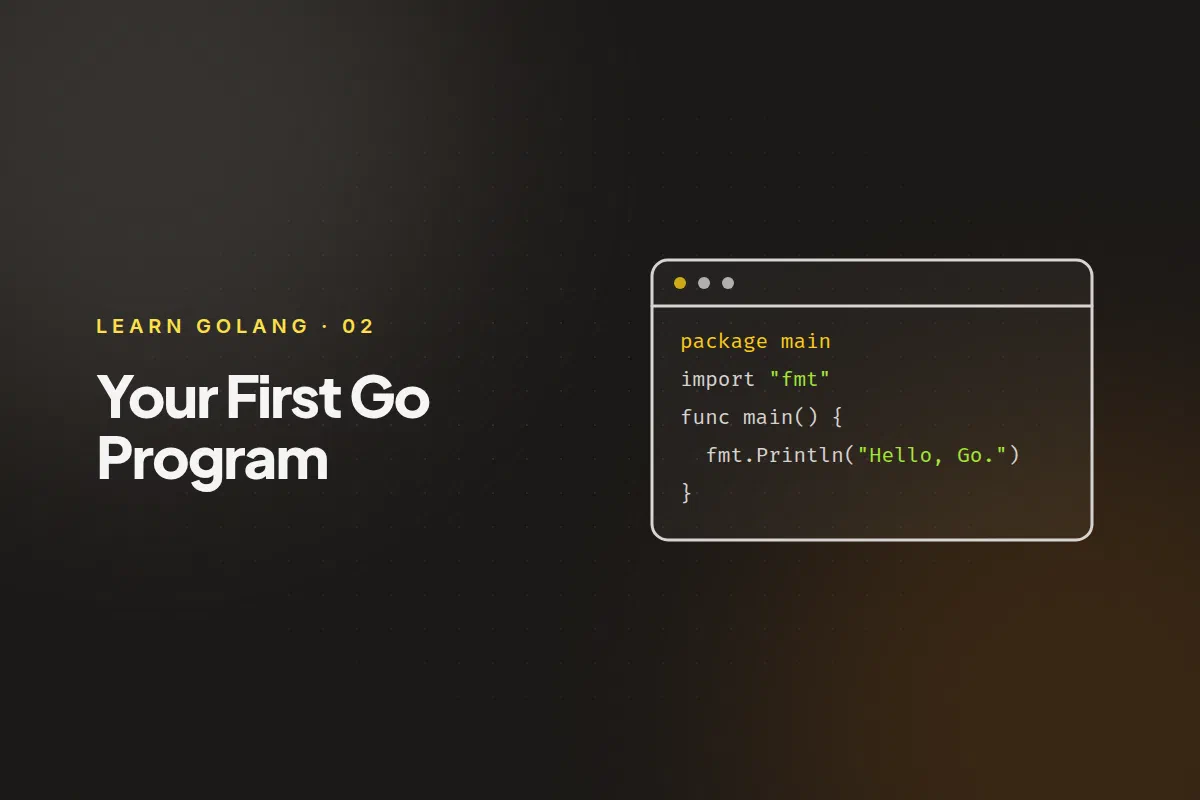
Create a folder, then create main.go inside it:
package main

import "fmt"

func main() {
	fmt.Println("Hello, Go.")
}
Every Go file has the same three parts, in this order:
- A package clause.
package mainsays which package this file belongs to. A package namedmainis special: it builds into an executable program. - Imports.
import "fmt"brings in the standard library’sfmtpackage, which handles formatted text and printing. Go refuses to compile a file that imports a package it doesn’t use. - Declarations. Here that’s one function,
main. When the program starts, Go runsmain.
Println starts with a capital letter because Go uses capitalisation for visibility: a name that starts with a capital is exported and can be used from other packages, and a lowercase name is private to its own package. This is why you write fmt.Println, not fmt.println.
Packages and modules #
A package is all the .go files in one directory that share a package name. Functions, types and variables declared in one file are visible to the others in the package without importing anything.
A module is a collection of packages that are versioned and released together. The root of a module has a go.mod file that records the module’s path and the Go version it needs. The module path is the prefix for importing the module’s packages.
Create one in your folder:
go mod init helloThis writes a go.mod like:
module hello

go 1.22
The go line shows the version you have installed. For code you intend to publish, use the repository path as the module name, for example github.com/yourname/hello. For a local experiment, any name works, and no remote repository is needed.
Standard library packages such as fmt, os and net/http don’t have a module path prefix. Other packages are imported by their full path, such as github.com/some/package.
Run it #
go run compiles the program to a temporary location and runs it:
go run .Hello, Go.The . means “the package in this directory”. You can also name the file: go run main.go.
Build it #
go build compiles the program and leaves an executable in the current directory, named after the module:
go build
ls
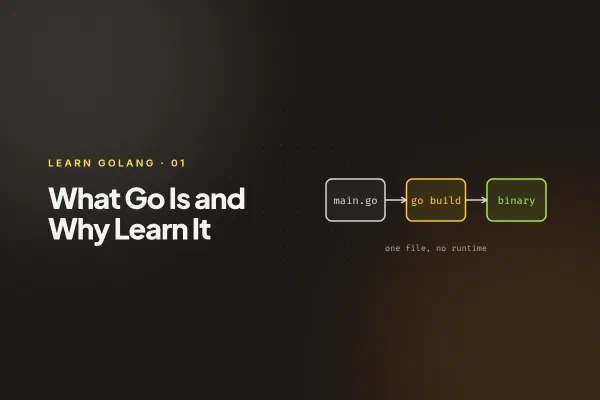
go.mod hello main.go./helloHello, Go.That binary has everything it needs. You can copy it to another machine with the same operating system and architecture and run it with nothing else installed. To build for a different system, set the target in the environment, for example GOOS=linux GOARCH=arm64 go build.
Two habits worth starting now #
Format with gofmt. Go has one official code style and a tool that applies it. Run gofmt -w . or go fmt ./..., and most editors do it on save. It removes every argument about tabs and braces.
Read the compiler’s errors. Go’s errors are short and specific. If you import os and never use it, you’ll see "os" imported and not used. That strictness is deliberate: it keeps programs free of leftovers.
The source for this example is in the get-started-with-Go repository. Next: variables, printing and comments.