

Updated 16 Nov 2026: rewritten. The original listed \' as a valid escape in strings, which Go rejects; this version separates string and rune escapes and adds raw strings and Unicode escapes.
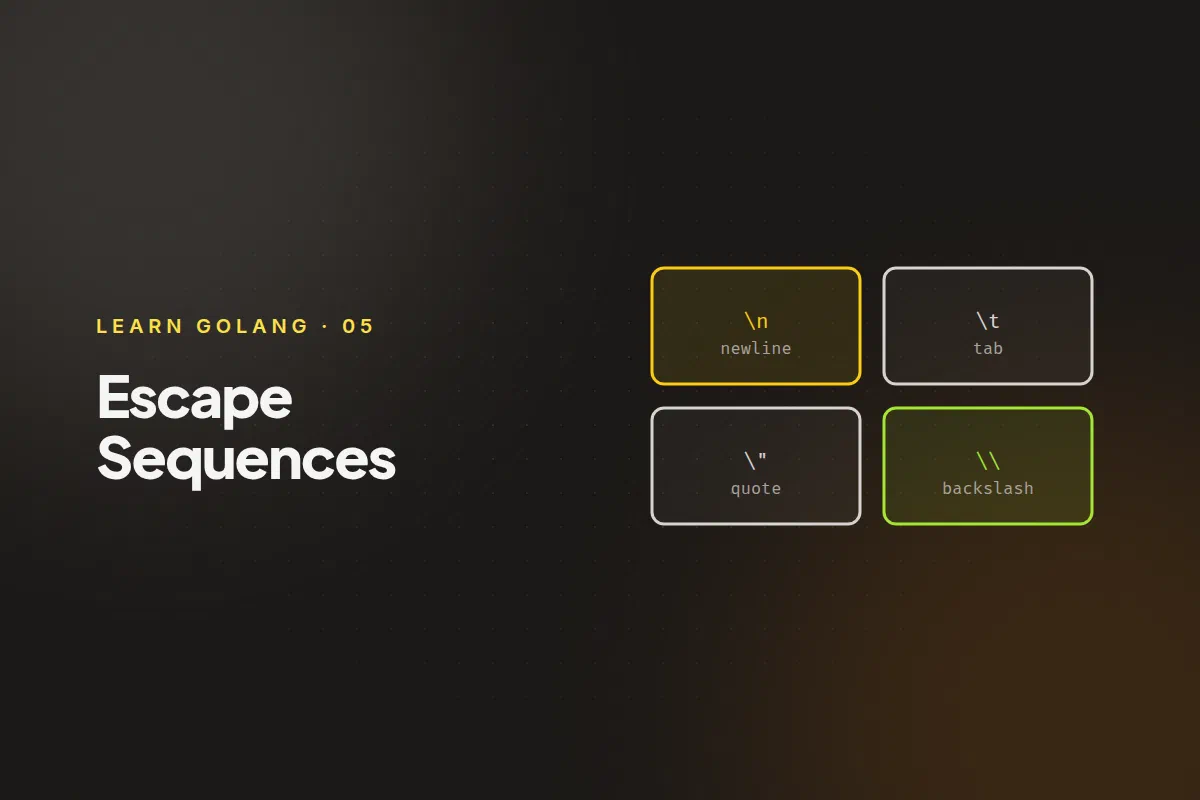
Some characters can’t be typed directly inside a string: a newline, a tab, or the double quote that would end the string. Go lets you write them with an escape sequence, a backslash followed by a character.
Escapes you can use in a string #
These work inside an ordinary double-quoted string, such as "line one\nline two":
| Escape | Meaning |
|---|---|
\n |
newline |
\t |
tab |
\r |
carriage return (moves to the start of the line) |
\" |
a double quote |
\\ |
a backslash |
\xNN |
the byte with hexadecimal value NN |
\uNNNN |
the Unicode character with that four-digit hex code |
\UNNNNNNNN |
the same, with an eight-digit code |
There are a few more that you’ll rarely need, such as \a (alert), \b (backspace), \f (form feed) and \v (vertical tab). Terminals treat \a, \b and \r differently, so don’t rely on them in output that other people will read.
A single quote is different #
\' is valid only inside a rune literal, the single-quoted form used for one character. Inside a double-quoted string you don’t need to escape a single quote at all, and writing "it\'s" is a compile error (unknown escape sequence). The reverse is true for double quotes: \" is valid in strings but not in rune literals.
fmt.Println("it's fine")      // single quote needs no escape in a string
fmt.Println("say \"hi\"")     // double quote does
fmt.Printf("%c\n", '\'')      // in a rune, the single quote does
it's fine
say "hi"
'Seeing them in action #
package main

import "fmt"

func main() {
	fmt.Println("line one\nline two")
	fmt.Println("name:\tAda")
	fmt.Println("She said \"hello\"")
	fmt.Println("path: C:\\temp")
	fmt.Println("caf\u00e9")
	fmt.Println("\x48\x69")
	fmt.Printf("%q\n", "tab\there")
}
line one
line two
name: Ada
She said "hello"
path: C:\temp
café
Hi
"tab\there"The last line uses the %q verb, which prints a string in double quotes with its special characters shown as escapes. It’s useful when you want to see exactly what a string contains, including invisible characters.
Raw strings #
Writing \\ for every backslash gets tiresome in Windows paths and regular expressions. A raw string literal, written with backticks, treats every character literally, so no escape sequences are processed:
fmt.Println(`C:\temp\new`)
fmt.Println(`first line
second line`)
C:\temp\new
first line
second lineA raw string can also span several lines, as the second example shows. The one thing it can’t contain is a backtick.
When you’ll use which #
- Use escapes for the occasional newline, tab or quote inside a normal string.
- Use raw strings for regular expressions, file paths, JSON snippets and multi-line text such as SQL or templates.
- Use
%qwhen debugging, to see what’s really in a string.