

Updated 16 Nov 2026: rewritten. The original said an int is always 4 bytes, which is wrong on most machines; this version fixes that and adds runes, strings and the float precision trap.
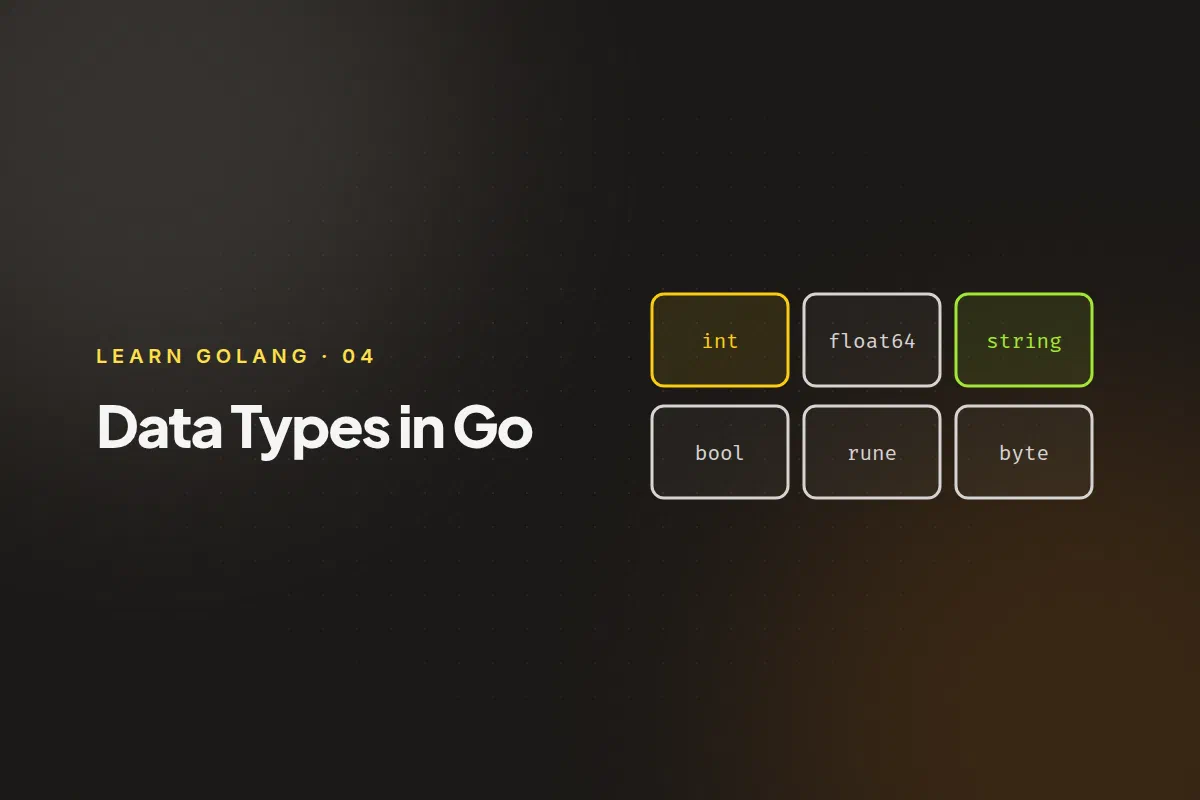
A data type decides what values a variable can hold and what you can do with them. Go has a small set of basic types and a few composite ones built from them. This post covers the basic types. Arrays, slices, maps and structs each get their own post later in the series.
Booleans #
A bool is true or false. Its zero value is false.
var ready bool = trueIntegers #
Go has signed integers (int8, int16, int32, int64) and unsigned ones (uint8, uint16, uint32, uint64). The number is the size in bits. Unsigned types can’t be negative, so they hold larger positive values.
The plain int and uint types are the size of the machine’s word: 64 bits on a 64-bit system and 32 bits on a 32-bit one. Use int unless you have a reason not to. You’ll reach for a sized type when a file format, a network protocol or memory use demands it.
This program prints each range:
package main

import (
	"fmt"
	"math"
)

func main() {
	fmt.Printf("%-7s %d to %d\n", "int8", math.MinInt8, math.MaxInt8)
	fmt.Printf("%-7s %d to %d\n", "int16", math.MinInt16, math.MaxInt16)
	fmt.Printf("%-7s %d to %d\n", "int32", math.MinInt32, math.MaxInt32)
	fmt.Printf("%-7s %d to %d\n", "int64", math.MinInt64, math.MaxInt64)
	fmt.Printf("%-7s %d to %d\n", "uint8", 0, math.MaxUint8)
	fmt.Printf("%-7s %d to %d\n", "uint16", 0, math.MaxUint16)
	fmt.Printf("%-7s %d to %d\n", "uint32", 0, uint32(math.MaxUint32))
	fmt.Printf("%-7s %d to %d\n", "uint64", 0, uint64(math.MaxUint64))
}
int8 -128 to 127
int16 -32768 to 32767
int32 -2147483648 to 2147483647
int64 -9223372036854775808 to 9223372036854775807
uint8 0 to 255
uint16 0 to 65535
uint32 0 to 4294967295
uint64 0 to 18446744073709551615The program assumes a 64-bit system. The uint64 maximum needs an explicit conversion because an untyped constant that large doesn’t fit in the int that Printf would otherwise use, and the uint32 one is converted too so the program also works on 32-bit systems.
Two aliases come up constantly:
byteis another name foruint8.runeis another name forint32, and holds one Unicode character (a code point).
Floating-point numbers #
float32 and float64 hold numbers with a fractional part. A literal like 3.14 is a float64 unless you say otherwise, and float64 is what you should use by default.
Floats are binary approximations, so some decimal values can’t be stored exactly:
a := 0.1
b := 0.2
fmt.Println(a + b)0.30000000000000004That’s not a Go bug; every language that uses IEEE 754 floats behaves this way. Never compare floats for exact equality, and don’t use them for money. Use integers (for example, cents) instead.
Go also has complex64 and complex128 for complex numbers, such as 3 + 4i. Most programs never need them.
Strings #
A string is an immutable sequence of bytes, usually holding UTF-8 text. You write it with double quotes.
word := "héllo"
fmt.Println(len(word))         // 6
fmt.Println(len([]rune(word))) // 5
len counts bytes, not characters. The é takes two bytes in UTF-8, so the string is six bytes long but has five characters. Converting to []rune gives you one element per character.
Ranging over a string with for yields runes, not bytes:
for i, r := range "hé" {
	fmt.Println(i, string(r))
}
0 h
1 éBecause strings are immutable, you can’t write word[0] = 'H'. You build a new string instead.
Zero values and finding a type #
Every basic type has a zero value. The %T verb prints a value’s type, and %v prints the value:
var (
	ok bool
	n  int
	f  float64
	s  string
	r  rune = 'A'
	b  byte = 'a'
)

fmt.Printf("%T %v\n", ok, ok)
fmt.Printf("%T %v\n", n, n)
fmt.Printf("%T %v\n", f, f)
fmt.Printf("%T %q\n", s, s)
fmt.Printf("%T %v\n", r, r)
fmt.Printf("%T %v\n", b, b)
bool false
int 0
float64 0
string ""
int32 65
uint8 97Notice that the rune and the byte print as numbers. A character is just a number under the hood: 'A' is 65. Use %c to print it as a character, or string(r).
What comes next #
The composite types build on these basics: arrays, slices, maps and structs. Next, a small topic that trips people up with strings: escape sequences.