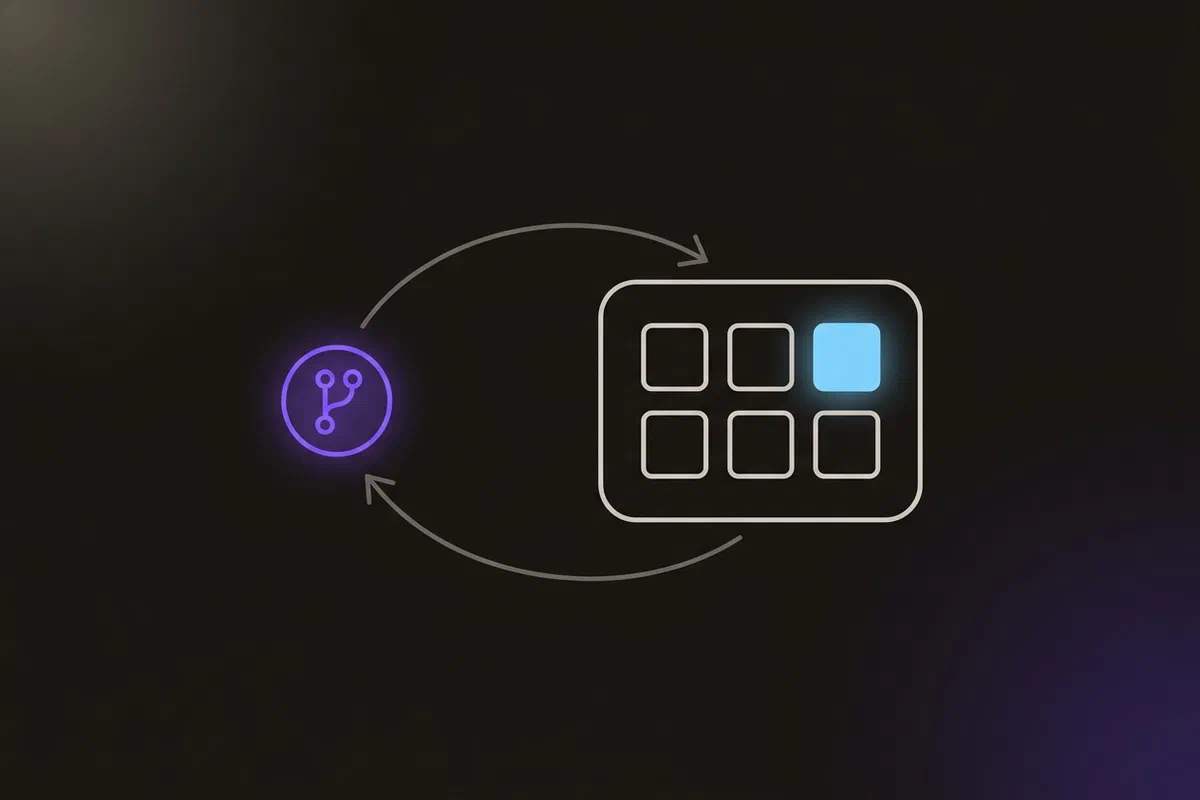


This project builds CI/CD for an application made of several microservices, each written in a different language. CI runs in Azure Pipelines: every service has its own pipeline that builds a container image and pushes it to Azure Container Registry (ACR). CD uses GitOps: the pipeline writes the new image tag into a Kubernetes manifest in Git, and Argo CD applies that change to an Azure Kubernetes Service (AKS) cluster.
The code is in Argocd-AKS-microservices-deployment.
The application #
The app is Docker’s example voting app, a standard demo of a polyglot microservice system:

| Component | Language | Role |
|---|---|---|
vote |
Python (Flask) | Web page where users vote between two options |
redis |
Queue that collects new votes | |
worker |
.NET | Moves votes from Redis into PostgreSQL |
db |
PostgreSQL, stores the votes | |
result |
Node.js | Web page that shows the results live |
Three of these (vote, worker, result) are our code and need CI/CD. Redis and PostgreSQL run from official images. Because each service is built and deployed independently, each gets its own pipeline, so a change to vote doesn’t rebuild result.
CI: Azure Pipelines to ACR #

Setting up Azure DevOps and ACR #
- In Azure DevOps, create a project and import the voting app repository into Azure Repos (Repos → Import a repository). Check that the default branch is
main, since an import can pick another one. - In the Azure portal, create a resource group and a Container Registry in it (the Basic or Standard tier is plenty).
- Create a build agent. The Azure free trial doesn’t include Microsoft-hosted parallel jobs, so I ran a self-hosted agent: an Ubuntu VM with Docker installed, registered to an agent pool named
azureagent(Project Settings → Agent pools → New agent, then follow the registration steps).
sudo apt install docker.io
sudo usermod -aG docker $USER
sudo systemctl enable --now docker
The Dockerfiles #
The voting app ships with a Dockerfile for each service, so the CI work is in the pipelines rather than in writing images. Each follows the usual pattern for its language: start from the language’s official image, copy the dependency manifest first (package.json, requirements.txt, *.csproj) and install dependencies, then copy the source. That order lets Docker cache the dependency layer.
The worker Dockerfile is the most interesting, because .NET has a clear build/runtime split. It compiles with the full SDK image, then copies only the published output into the much smaller runtime image:
FROM --platform=linux mcr.microsoft.com/dotnet/sdk:7.0 as build
ARG TARGETPLATFORM
ARG TARGETARCH
ARG BUILDPLATFORM
RUN echo "I am running on $BUILDPLATFORM, building for $TARGETPLATFORM"

WORKDIR /source
COPY *.csproj .
RUN dotnet restore

COPY . .
RUN dotnet publish -c release -o /app --self-contained false --no-restore

# app image
FROM mcr.microsoft.com/dotnet/runtime:7.0
WORKDIR /app
COPY --from=build /app .
ENTRYPOINT ["dotnet", "Worker.dll"]
One pipeline per service #
I created each pipeline from the “Docker: build and push an image to Azure Container Registry” template, then changed two things: a path trigger, so the pipeline runs only when its own service’s folder changes, and the pool, to use the self-hosted agent. This is the vote pipeline:
trigger:
  paths:
    include:
      - vote/*

resources:
- repo: self

variables:
  dockerRegistryServiceConnection: '<service-connection-id>'
  imageRepository: 'voteapp'
  containerRegistry: '<registry>.azurecr.io'
  dockerfilePath: '$(Build.SourcesDirectory)/vote/Dockerfile'
  tag: '$(Build.BuildId)'

pool:
  name: 'azureagent'

stages:
- stage: Build
  displayName: Build
  jobs:
  - job: Build
    displayName: Build
    steps:
    - task: Docker@2
      displayName: Build an image
      inputs:
        containerRegistry: '$(dockerRegistryServiceConnection)'
        repository: '$(imageRepository)'
        command: 'build'
        Dockerfile: 'vote/Dockerfile'
        tags: '$(tag)'
- stage: Push
  displayName: Push
  jobs:
  - job: Push
    displayName: Push
    steps:
    - task: Docker@2
      displayName: Push an image
      inputs:
        containerRegistry: '$(dockerRegistryServiceConnection)'
        repository: '$(imageRepository)'
        command: 'push'
        tags: '$(tag)'
The structure is the standard Azure Pipelines hierarchy: a trigger decides when the pipeline runs, stages are major phases, each stage has jobs that run on an agent, and each job has steps (tasks or scripts). The image tag is the build ID, so every image is uniquely tagged. The result and worker pipelines are identical apart from the folder, the repository name and the Dockerfile path.
To test it, I changed a file under result/: only the result pipeline ran, and the new image appeared in ACR.

CD: GitOps with Argo CD #
In a GitOps setup, the CI pipeline never talks to the cluster. Instead, Git holds the Kubernetes manifests, and a controller inside the cluster (Argo CD) keeps the cluster matching Git. CI’s last job is to change Git.

- A developer pushes a change to
vote/. - The
votepipeline builds and pushesvoteapp:<build-id>to ACR. - A new Update stage edits
vote-deployment.yamlin Git to use the new tag, and pushes the commit. - Argo CD sees that Git changed and applies the new manifest to AKS.
Create the AKS cluster #
In the Azure portal I created an AKS cluster in the same resource group, with one node pool autoscaling from 1 to 2 nodes, which is enough for this app. Then I pointed kubectl at it:
az aks get-credentials --resource-group <resource-group> --name <cluster-name> --overwrite-existingInstall Argo CD #
kubectl create namespace argocd
kubectl apply -n argocd -f https://raw.githubusercontent.com/argoproj/argo-cd/stable/manifests/install.yaml
The initial admin password is in a Secret:
kubectl get secret argocd-initial-admin-secret -n argocd -o jsonpath='{.data.password}' | base64 -dTo reach the UI, I changed the argocd-server Service from ClusterIP to NodePort (kubectl edit svc argocd-server -n argocd), found a node’s IP and the HTTPS NodePort with kubectl get nodes -o wide and kubectl get svc -n argocd, and opened that port in the node pool’s network security group. The UI was then at https://<node-ip>:<node-port>, with a self-signed certificate. The review below covers why I wouldn’t do this today.

Connect Argo CD to the repository #
Argo CD needs read access to the Azure Repos repository. I created an Azure DevOps personal access token (PAT) with read access to code, and added the repository in Argo CD (Settings → Repositories → Connect repo via HTTPS), with the PAT in the URL in place of the username.
Then I created an Argo CD Application pointing at the repository and the k8s-specifications/ folder, with automatic sync, so any manifest change in Git is applied to the cluster.
The update stage #
The last piece is the stage that writes the new tag into Git. It runs a shell script with three arguments: the service name, the image repository and the tag.
- stage: Update
  displayName: Update
  jobs:
  - job: Update
    displayName: Update
    steps:
    - task: ShellScript@2
      inputs:
        scriptPath: 'scripts/updateK8sManifests.sh'
args: 'vote $(imageRepository) $(tag)'#!/bin/bash
set -x
# Set the repository URL
REPO_URL="https://<ACCESS-TOKEN>@dev.azure.com/<Org-Name>/ArgocdDeployment/_git/ArgocdDeployment"
# Clone the git repository into the /tmp directory
git clone "$REPO_URL" /tmp/temp_repo
# Navigate into the cloned repository directory
cd /tmp/temp_repo
# Make changes to the Kubernetes manifest file(s)
sed -i "s|image:.*|image: ACR.azurecr.io/$2:$3|g" k8s-specifications/$1-deployment.yaml
# Add the modified files
git add .
# Commit the changes
git commit -m "Update Kubernetes manifest"
# Push the changes back to the repository
git push
# Cleanup: remove the temporary directory
rm -rf /tmp/temp_repoThe script clones the repository, replaces the image: line in the service’s Deployment with the new image and tag, and pushes the commit. Because the manifests live outside the services’ trigger paths, this commit doesn’t start another build.

Demo: change the vote options #
To test the whole chain, I changed the options in vote/app.py:
# Before
options = ['cats', 'dogs']

# After
options = ['summer', 'winter']
After the push, the vote pipeline built and pushed the new image, the Update stage committed the new tag, and within Argo CD’s polling interval (three minutes by default) the Application went out of sync and then synced. Reloading the vote page showed “summer vs winter”.

What I’d change today #
The architecture holds up: separate pipelines per service, immutable build-ID tags, and GitOps so CI never holds cluster credentials. The details around it are where I’d make changes.
1. The update script is fragile.
sed "s|image:.*|...|g"rewrites everyimage:line in the file. That’s fine with one container, but with a sidecar or init container it would replace those too.kustomize edit set imageoryqtargets the right container.set -xprints every command, and the clone URL contains the PAT, so the token appears in the pipeline log.- The script has no error handling. If the push fails, the stage still looks done.
set -euo pipefailmakes failures stop the stage.
2. A personal access token in a URL. A PAT tied to my account, with write access, sat in the script’s clone URL (as a placeholder in Git, real on the agent). Today I’d use the pipeline’s own identity, $(System.AccessToken) with “Allow scripts to access the OAuth token”, granted contribute rights on just this repository. For Argo CD’s read access, a separate read-only token, or SSH deploy keys.
3. Argo CD exposed on a NodePort. Opening a NodePort in the network security group put the Argo CD login page on a public node IP with a self-signed certificate. I’d keep argocd-server as ClusterIP and either use kubectl port-forward for occasional access, or put it behind an ingress with a real certificate and SSO. I’d also delete argocd-initial-admin-secret after changing the password.
4. Build and push in separate stages. Azure Pipelines can run different stages on different agents. The Push stage only found the image because there was a single self-hosted agent that still had it locally. With Microsoft-hosted agents, Push would fail. Build and push in one job (the buildAndPush command of Docker@2).
5. Pulling from ACR. The cluster needs permission to pull from the private registry. The cleanest way is to attach ACR to AKS (az aks update --attach-acr), which grants the cluster’s identity AcrPull, with no pull secrets in manifests. I’d make that step explicit in the setup.
6. Nothing is tested or scanned. The pipelines build and push, but don’t run the services’ tests or scan the images. I’d add a test step and an image scan that fails on critical vulnerabilities, before the push.
7. Out-of-date runtimes. The .NET 7 images reached end of support in May 2024, and Node.js 18 in April 2025. Rebuild on current LTS versions.
8. Click-ops infrastructure. The resource group, registry, AKS cluster and agent VM were all created in the portal, so rebuilding the environment means repeating the clicks. I’d define them with Terraform or Bicep. The same goes for the Argo CD Application, which belongs in Git as a manifest rather than in the UI.
Architecture takeaways #
Keep cluster credentials out of CI #
The best property of this design is that the CI system never holds credentials for the cluster. It can only change Git, and the controller inside the cluster pulls from Git. A compromised pipeline can push a bad commit, which is visible and revertible, but it can’t run arbitrary commands against the cluster.
The write path into Git is now part of production #
With GitOps, the commit that bumps an image tag is the deployment. Whatever can write to the manifests repository can change production, so the token that does it deserves the same care as a cluster admin credential: scoped to one repository, owned by the pipeline rather than a person, and never printed in logs.