

When I moved Blinko and AFFiNE from the app host to the cluster, I stopped their old containers and kept them for a week as a fallback (part 13). That seemed like the most harmless step of the whole move. Nothing would write to them, and nothing would read them.
Something did read them. That night the app host’s backup reported failure, and the cause was the step I’d thought was harmless. This is a short one, from INC-2026-015.
What happened #
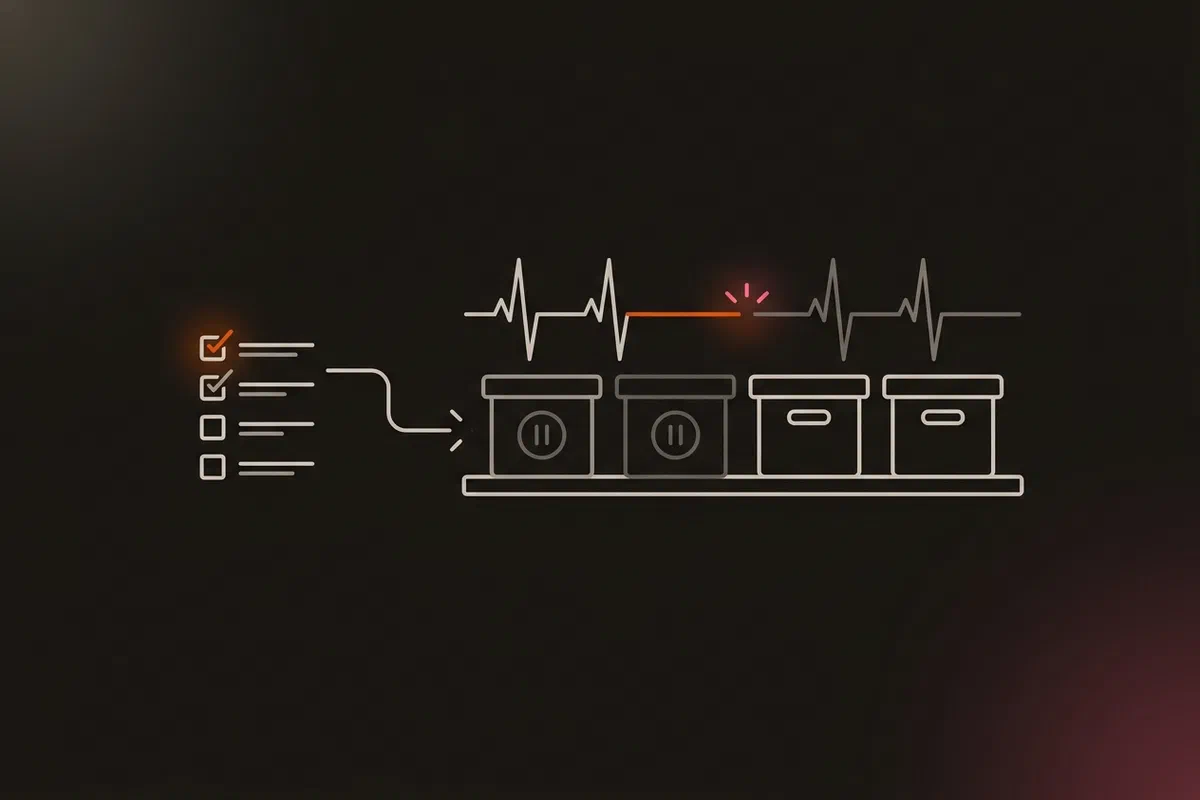
The app host’s nightly backup script dumps each database by name, through docker exec into its container, then runs restic over the app directory. If any dump fails, the backup still finishes, but the script withholds its heartbeat to Uptime Kuma on the DMZ observer. That design came out of Green Is Not a Status: a partial backup must not look like a good one.
Two of the names in that script were the databases I had just stopped. docker exec fails on a stopped container, so both dumps failed. Restic still took its snapshot, the heartbeat was withheld, and an hour later the monitor went down.
dump() {  # container user db outfile
  docker exec "$1" pg_dump -U "$2" "$3" > "$4.tmp" && mv "$4.tmp" "$4" \
    || { echo "ERROR: pg_dump $1/$3 failed"; rm -f "$4.tmp"; failed=1; }
}
dump blinko-postgres postgres  postgres  {{ app_base_dir }}/blinko/db.sql
dump affine-postgres affine    affine    {{ app_base_dir }}/affine/db.sql
The script did exactly what it was built to do. The mistake was mine: the migration plan listed everything to remove from the app host a week later (the Compose project, the Ansible block, the proxy node, the checks, the secrets and the directory), but not the backup script’s dump list. And stopping the containers happened on day one, so the script broke a week before the plan expected to touch it.
Why it sat for hours #
The alert fired the same night the power cut took the homelab down (part 12). One more red monitor among that outage’s alerts looked like part of it. Nobody looked at it on its own.
I found it the next morning by chance, while checking how a new app would be backed up on the app host. The backup monitor had shown failure for about five hours, and a real backup failure in that window would have looked exactly the same.
Was anything at risk? #
No. Restic still copied everything under the app directory, including the stopped databases’ data directories, which are consistent while their containers are stopped. The last dumps from the night before stayed in place. And the live data was already on the cluster, inside its own backup chain.
The fix #
The two dumps came out of the script, with a comment saying why their data is still covered:
# Blinko and AFFiNE moved to the cluster on 17 Nov 2026 (M2, M1); their OCI databases are
# stopped until 4.23 removes them. A stopped container can't be dumped, so they are left out:
# restic still copies their data directories, which are consistent while stopped, and the last
# db.sql files (17 Nov 03:00) stay in place. Dumping them failed and withheld the heartbeat.
dump kestra-postgres kestra    kestra    {{ app_base_dir }}/kestra/db.sql
A manual run three minutes later saved a snapshot and brought the heartbeat back (afd39c0). The cutover checklist now says “remove its database from the app host’s backup script” at the moment the old copy is stopped, not at the cleanup a week later.
What I learned #
- Stopping something is a change for every job that refers to it. Before stopping a service, search the repository for its name. Here that search would have found the backup script in seconds. (INC-2026-015)
- A quiet heartbeat on partial failure is worth the occasional false alarm. This one was a real signal about a real gap in the plan, even though no data was at risk.
- An alert during a bigger outage still needs its own look. The overlap with the power cut is the only reason this lasted hours instead of minutes.
Architecture takeaways #
A cutover has two sides #
Migration plans are written about the destination: what to build, what to move, how to check it. The source keeps running, and everything on it that referred to the moved service (backup lists, monitors, scheduled jobs, proxies) is now pointing at something different. Treat “stop the old copy” as a change with its own blast radius, and inventory the source host’s references before you take that step, not at decommissioning.
Name-based lists drift #
The backup script lists databases by container name, so it can’t notice when one goes away except by failing. That failure was the right outcome here, but it arrived at 03:00 instead of when the change was made. An option I haven’t built yet: have the deploy check that every listed container exists, so the drift fails in the same change that causes it.
Previous: From Docker Compose to Kubernetes: Moving My First Apps, Platform First · All posts in the series